Help centreAccount
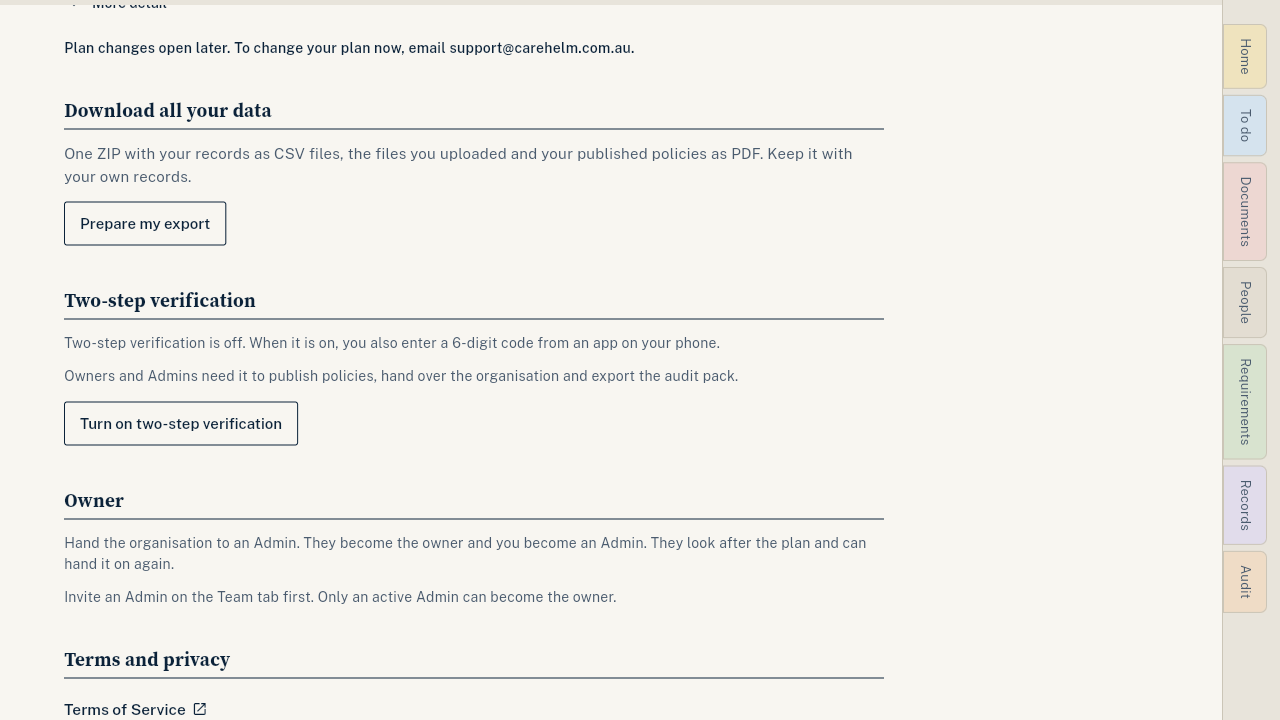
Download all your data
One ZIP with your records as CSV files, the files you uploaded and your policies as PDF.
You can download a full copy of your records at any time. Registered providers must keep records, so keep a copy with your own files.
Steps
- Open Settings and scroll to Download all your data.
- Press Prepare my export.
- Wait while CareHelm prepares it. You can leave the page.
- When it says Your export is ready, press Download ZIP.
Good to know
- The download works for 7 days. Prepare a new one when you need it.
- You can prepare up to 3 exports a day.
- After your plan ends, your account stays open read-only for 90 days and the download still works.
- For the pack you send your auditor, see Export your audit pack.